ScreenCaptureOne / Plus

All four modes.No ads in the way.

Keep Screenshot and Video recording, then unlock Translator, Audio transcript, scrolling capture, editing, on-device OCR, advanced controls, and the complete capture library.

Yearly subscriptionGoogle Play billingAd-free with Plus
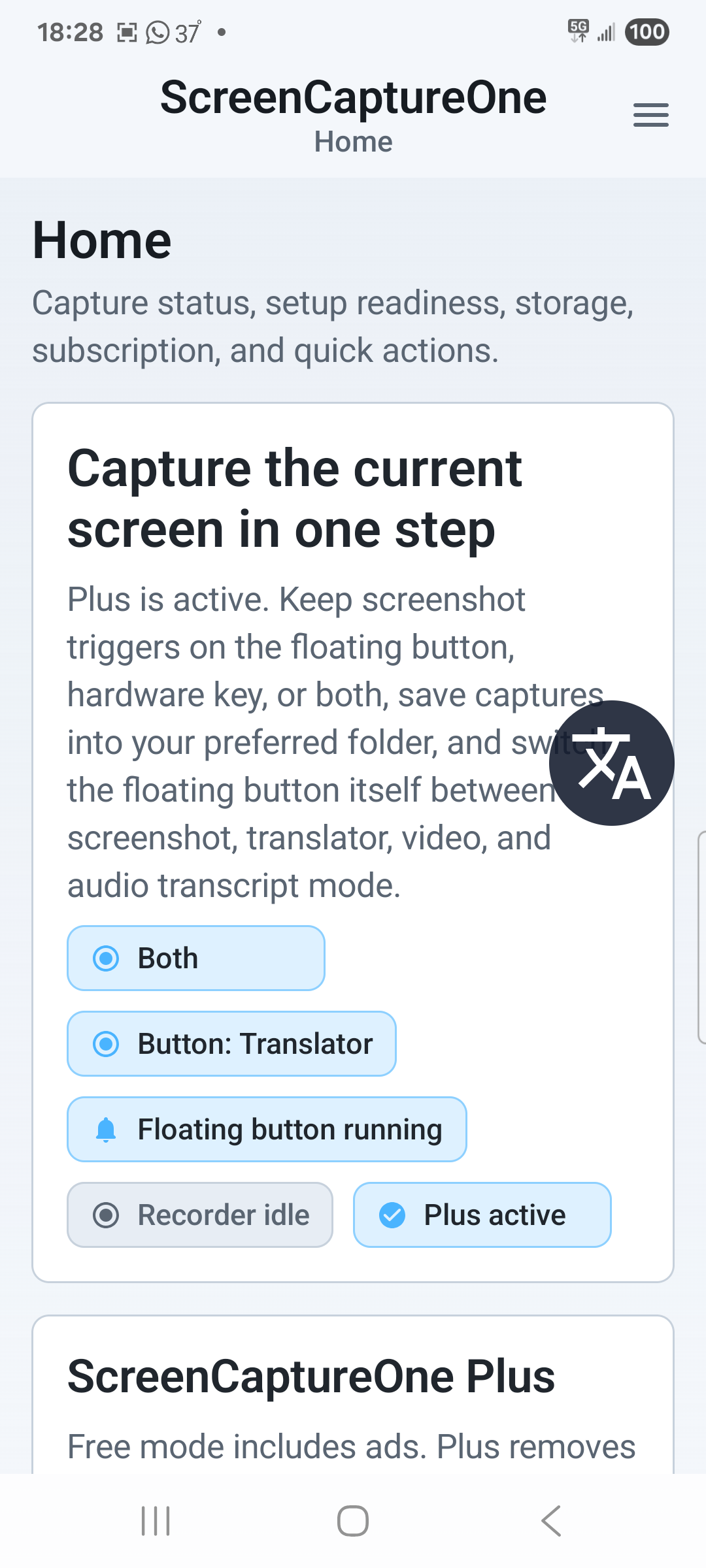
Translator mode: Home status.
Plus modeTranslator
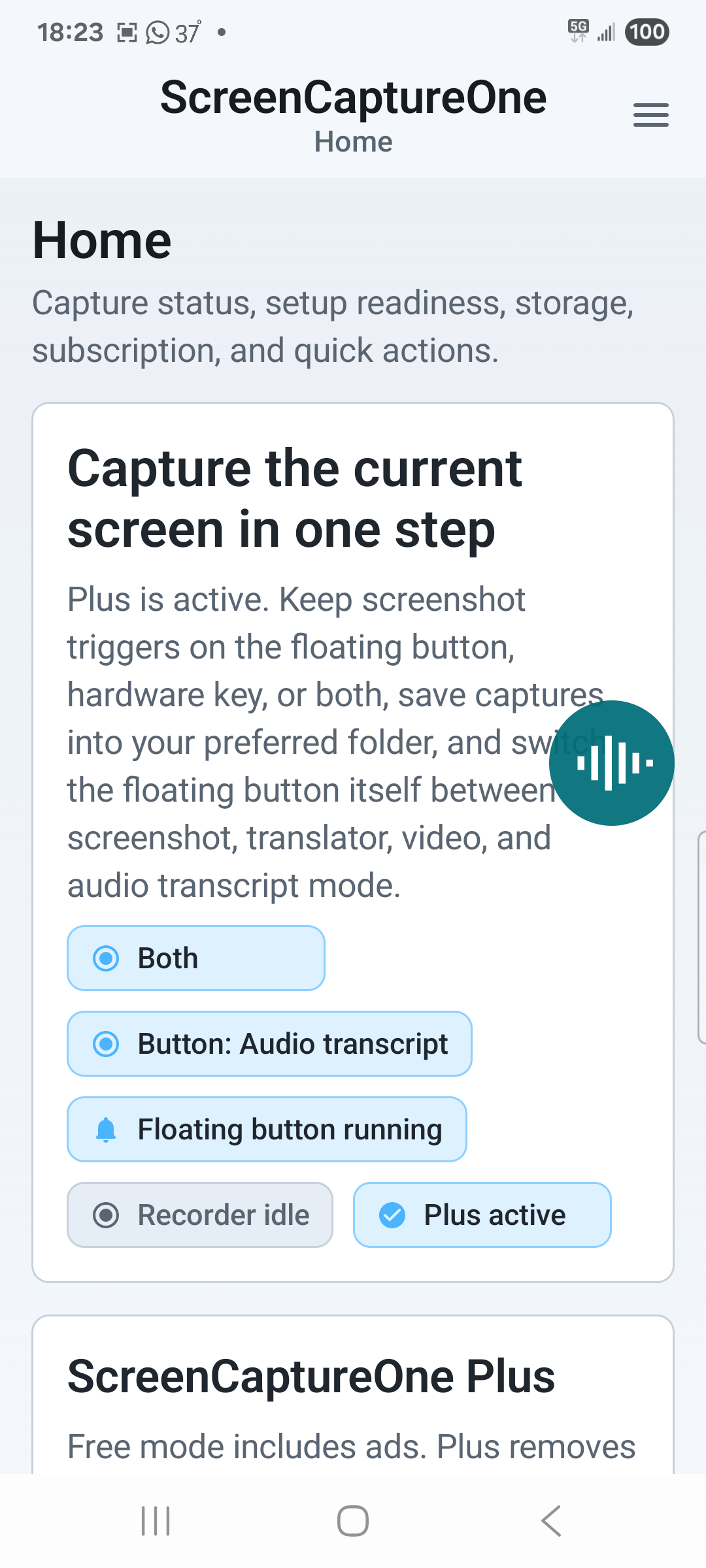
Plus modeAudio transcript
4
Capture modes with Plus
80
Plus additions
0
Ads while Plus is active


Two editions / One app

Start free. Add the complete workflow when you need it.

Free covers dependable screenshot and standard video capture. Plus turns the same control into the complete four-mode toolkit.

01 / Start

ScreenCaptureOne

FreeAds included

A dependable starting point for taking screenshots and recording the screen with the standard profile.

  • Screenshot and Video recording modes
  • Standard screenshot capture
  • Default 1080p, Balanced, 30 fps video with microphone
  • Floating control and Quick Settings tile
  • Setup, storage summary, retention controls, and diagnostics
Install ScreenCaptureOne

02 / Unlock

Complete toolkit

ScreenCaptureOne Plus

YearlyLocalized price shown by Google Play

Everything in Free, plus all four modes and the advanced controls that carry a capture through editing, understanding, organization, and sharing.

  • Translator and Audio transcript modes
  • Scrolling screenshots, editor, and on-device OCR
  • Advanced video quality, frame-rate, and audio controls
  • Hardware-key capture, custom output, and file naming
  • Recent search, sorting, collections, bulk actions, and favorite sharing
  • Ad-free experience
See Plus in Google Play

Why no fixed price here? Google Play supplies the current localized yearly price and available offer before purchase.


Verified edition map

See exactly what Plus changes.

The comparison follows the current Android entitlement and public feature inventory. Plus includes every Free capability.

01Modes and capture control7 comparisons
Screenshot modeIncludedIncluded
Video recording modeIncludedIncluded
Translator modeLocked previewIncluded
Audio transcript modeLocked previewIncluded
Floating control and Quick Settings tileIncludedIncluded
Volume Down hardware captureNot includedIncluded
Floating and hardware triggers togetherNot includedIncluded
02Capture, video, and output6 comparisons
Standard screenshotIncludedIncluded
Scrolling screenshotNot includedIncluded
Default 1080p / Balanced / 30 fps recordingIncludedIncluded
Resolution, bitrate, frame-rate, and audio choicesNot includedIncluded
Custom output directoryNot includedIncluded
Custom file naming and save promptsNot includedIncluded
03Understand and refine6 comparisons
After-capture action sheetsNot includedIncluded
Screenshot editor and annotated exportNot includedIncluded
On-device screenshot OCRNot includedIncluded
Translate on-screen text and draft a replyNot includedIncluded
Transcribe and optionally translate captured audioNot includedIncluded
Configurable AI providers and modelsNot includedIncluded
04Library and experience6 comparisons
Home storage summary and retention settingsIncludedIncluded
Recent filters, filename search, and sortingNot includedIncluded
Collections, bulk delete, and multi-shareNot includedIncluded
Favorite share-target orderingNot includedIncluded
Diagnostics and privacy disclosuresIncludedIncluded
AdvertisingShown with consentRemoved
95 documented capabilitiesOpen the complete searchable feature catalog


Where Plus earns its place

More than an ad-free switch.

Plus expands what happens before, during, and after every capture.

01
Translator

Read the screen. Reply in the conversation.

Run OCR on-device, send detected text to your chosen provider, read the translation, then translate a drafted reply back to the original language.

02
Audio transcript

Turn a voice message into text.

Capture internal playback, stop after silence, send extracted audio rather than screen video, and optionally translate the finished transcript.

03
Advanced capture

Go beyond the visible frame.

Continue a compatible long screenshot, use hardware capture, choose output and naming, then edit or extract text locally.

04
Library and sharing

Keep the next action close.

Search, sort, group, bulk-delete, multi-share, and prioritize favorite destinations across saved screenshots and recordings.


Purchase and privacy

Clear at every boundary.

Google Play handles the subscription. ScreenCaptureOne keeps capture files local and identifies when selected text or extracted audio goes to your configured provider.

01

Google Play sets the price

The current localized yearly price and available offer are shown by Google Play before purchase.

02

Purchase state is verified

A pending purchase stays locked until Google Play confirms it. A successful verification can remain cached for up to seven days offline.

03

Restore and manage in the app

ScreenCaptureOne provides Restore purchases and Manage subscription actions connected to Google Play.

Read the complete privacy policy


Subscription details

Know before you upgrade.

01How much does ScreenCaptureOne Plus cost?

Plus is a yearly subscription. Google Play shows the current localized price and any available offer in the app before you confirm purchase.

02Can I use ScreenCaptureOne without Plus?

Yes. Free includes Screenshot and Video recording modes, the floating control, Quick Settings support, guided setup, storage and retention controls, and diagnostics. Free is supported by ads.

03Does Plus include AI provider usage?

Plus unlocks Translator, Audio transcript, and AI provider setup. Provider processing, retention, availability, and billing are governed separately by the provider and the account you configure.

04Does Translator upload my screenshot?

No. Translator runs OCR on-device and sends detected text only. Audio transcript extracts and sends audio only; it does not upload the screen video for transcription.

05How do I restore or manage a subscription?

Use Restore purchases or Manage subscription in ScreenCaptureOne. Subscription purchase and management are handled by Google Play.

06Does Plus work while temporarily offline?

After a successful Google Play verification, Plus entitlement can remain cached for up to seven days for offline access.


One app / Four modes

Put the complete capture workflow on your screen.

Install from Google Play, review the localized yearly price in the app, and upgrade when the Plus workflows fit the way you capture.